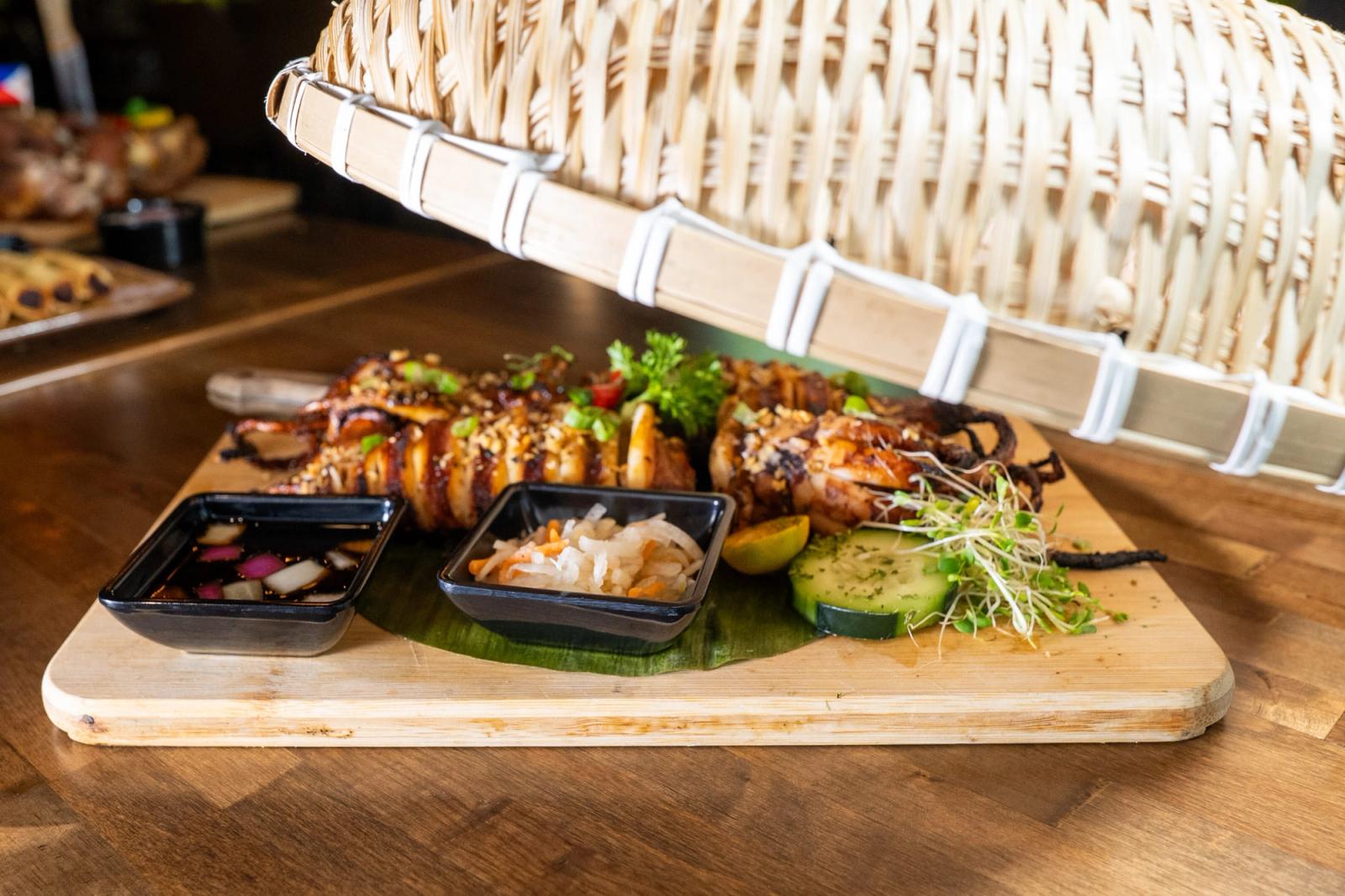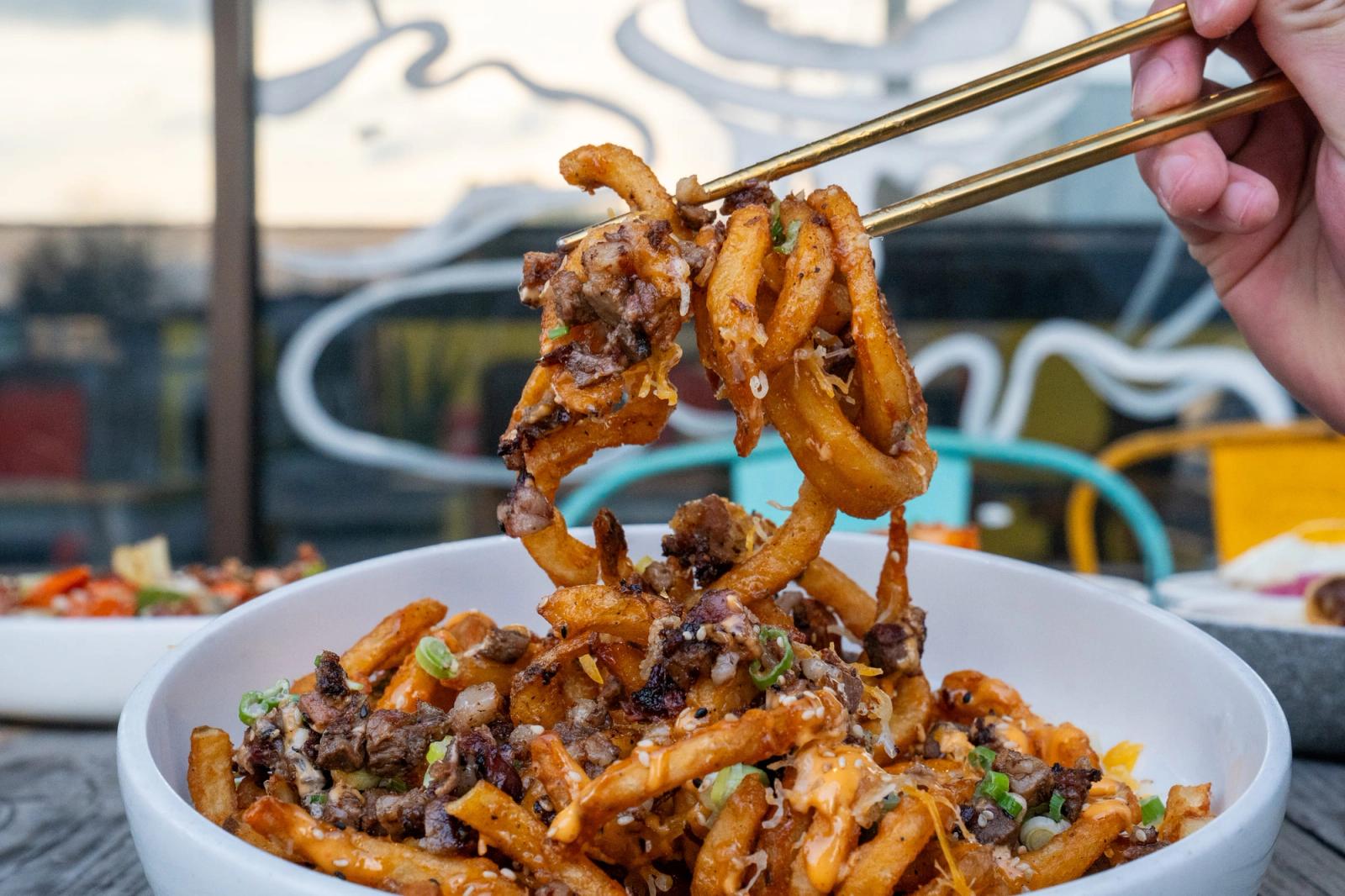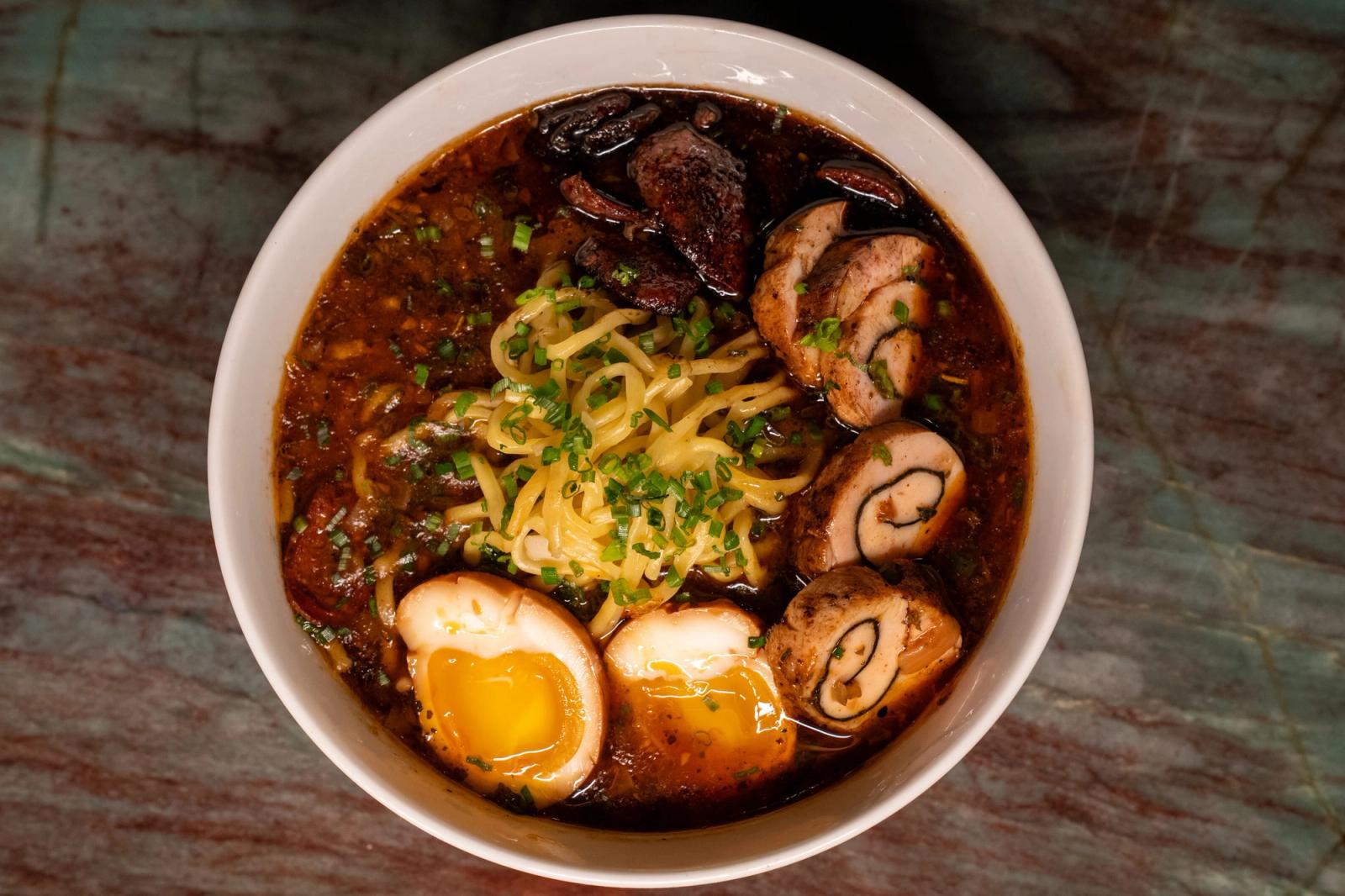
Short answer: A restaurant needs a short list of photos it can reuse everywhere: a clean single shot of every menu item, a few styled signature dishes, the dining room, the exterior and the people who work there. The catch is that each restaurant food photo has to be framed and sized for where it ends up, because DoorDash, Uber Eats, Instagram and Google all crop differently.
Most guides to food photography for restaurants focus on lighting and props. This one is a shot list. For each photo, it tells you where it goes and what crop that channel expects, so one afternoon of shooting can cover your Google listing, your delivery menus, your printed menu, your Instagram and your ads.
What food photos does a restaurant need?
A restaurant needs photos in a handful of groups, and each group has a job on a specific channel. Every restaurant food photo on this list should be shot with its destination in mind, because a photo that works as a tight crop on Instagram may get rejected by a delivery app that wants the whole plate in a wide frame.
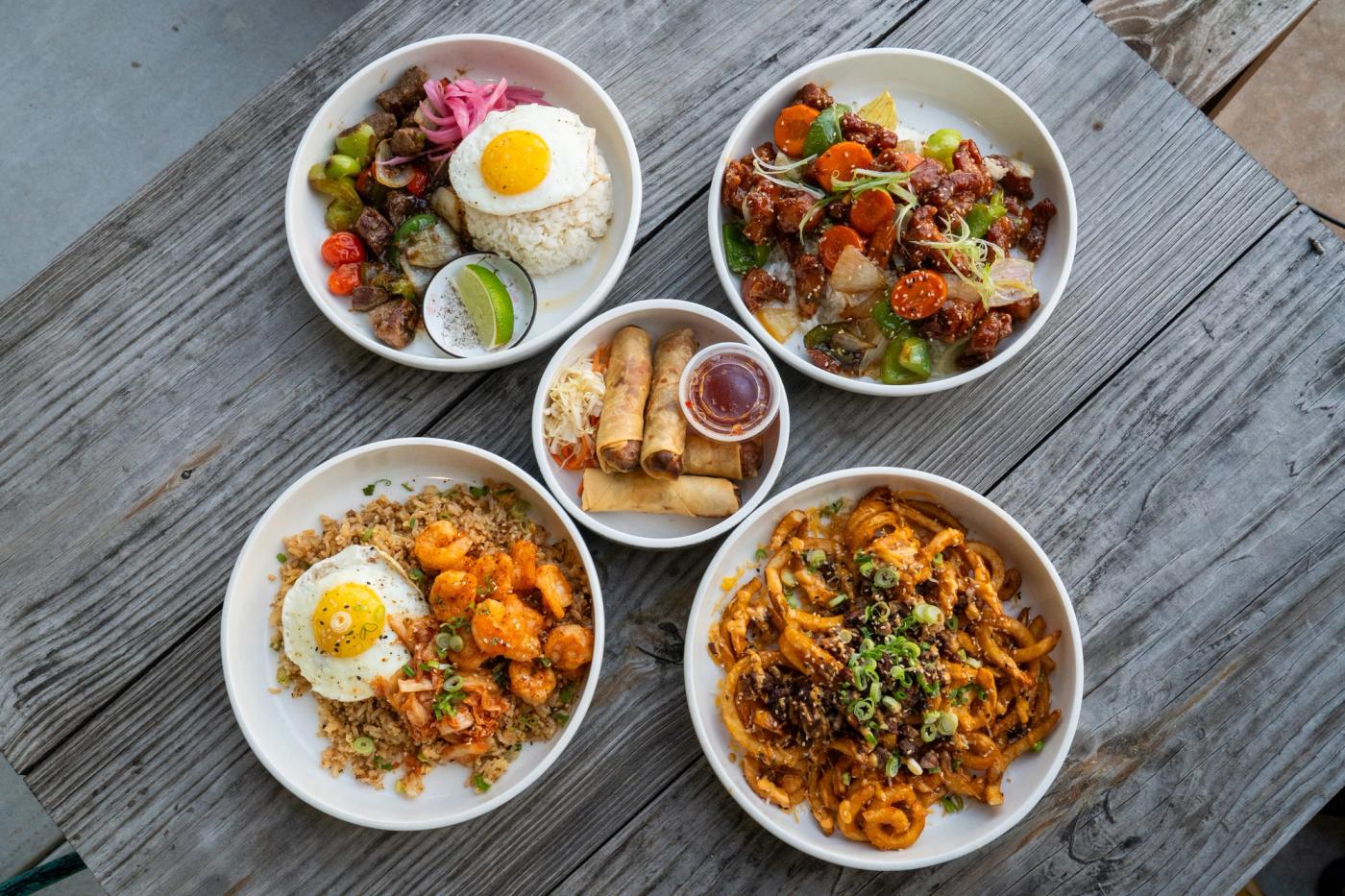
The shot list
- Single menu items, shot sideways. One dish per frame, the whole plate visible, a plain background. These go to DoorDash, Uber Eats, your website menu and your printed menu.
- Signature dishes, styled. Your best sellers and the plates people talk about, shot with more personality: hands, drinks, a table setting. These go to Instagram, your Google listing and your ads.
- A cover or header shot. A wide, appetizing image that stands for the whole restaurant, used at the top of your delivery storefront and your website.
- The dining room and bar. Shot empty and shot busy. People checking your Google listing want to know what it feels like to sit there.
- The exterior and entrance. The storefront, the sign and the parking. This helps first-time guests find you and recognize the building when they pull up.
- The crew. Cooks on the line, the bartender pouring, the owner at the pass. These carry your Instagram and make ads feel like a real place.
- Vertical versions of the signature dishes. Shot tall for the Instagram feed and stories, because cropping a wide photo into a tall frame cuts off half the plate.
The menu item photos matter most for delivery sales. DoorDash says merchants who add photos to their menu items see up to a 44% lift in monthly sales compared with items without photos, a figure that comes from a DoorDash study run from April to June 2022. On a separate merchant page, DoorDash also says menus with item descriptions earn up to 18% more in sales each month, so write a short line for each dish while you are at it.
Treat restaurant menu photos as inventory. If an item is on the menu, it should have a photo, and that photo should match what the kitchen actually sends out.
What size should photos be for Google, delivery apps and Instagram?
Each channel publishes its own rules, and the photo sizes for Google and Instagram are different from what DoorDash and Uber Eats ask for, so shoot at full resolution and crop a copy for each one. Here is what each platform says right now.
DoorDash
DoorDash requires all menu photos to be landscape at a 16:9 ratio and at least 1400 x 800 pixels, according to the DoorDash merchant help center. Its photo rejection guide adds that at least 80% of the item must be visible in the frame and that files can be no larger than 2 MB, according to DoorDash's Merchant Learning Center.
DoorDash also rejects "hero shots" that show several items sold separately in one photo. A combo plate works only if it is sold as a combo, so shoot your sides and drinks on their own.
If you shoot on a phone, DoorDash's help center says to turn the phone sideways before you shoot, because vertical photos often lose detail when they are cropped to a wide frame.
Uber Eats
Uber Eats asks for a cover photo that fills 2880 x 2304 pixels, saved as a JPEG at a 5:4 aspect ratio, according to Uber's merchant help pages. For individual menu items, Uber recommends an aspect ratio between 5:4 and 6:4.
Uber's guidelines also say each item photo must show a single item and cannot include people (hands are allowed), text, logos, strong shadows or a messy setting. Your Uber Eats photos are a little squarer than your DoorDash photos, so leave some space around the plate when you shoot. That way you can crop the same file both ways without trimming the food.
Instagram feed photos work best at 1080 pixels wide and between 566 and 1350 pixels tall, with aspect ratios from 1.91:1 to 4:5, according to Hootsuite's 2026 image size guide, which quotes Instagram's Help Center. Hootsuite also notes that Instagram shrinks anything wider than 1080 pixels, so there is no benefit to uploading an oversized file.
The tall end of that range takes up the most room in someone's feed. That is why the shot list includes vertical versions of your signature dishes instead of relying on crops of the wide delivery shots.
Google Business Profile
Your Google listing is often the first place a hungry person sees your food, so it deserves your best photos of the dishes, the room, the exterior and the team. Check Google's current photo requirements in the Business Profile help center at support.google.com before you upload, since Google updates them and third-party summaries do not always keep up.
In practice, upload sharp, well-lit images, skip text overlays and heavy filters, and replace any photo that no longer matches the restaurant.
Ads and printed menus
For paid ads, use the specs the ad platform shows you at upload, because placements change. The square and vertical Instagram crops cover most social ad placements, and the styled signature shots are usually the ones you will want there.
For a printed menu, ask your printer what resolution they need before the shoot, and keep the full-size original files. A file sized for Instagram will look soft at print size.
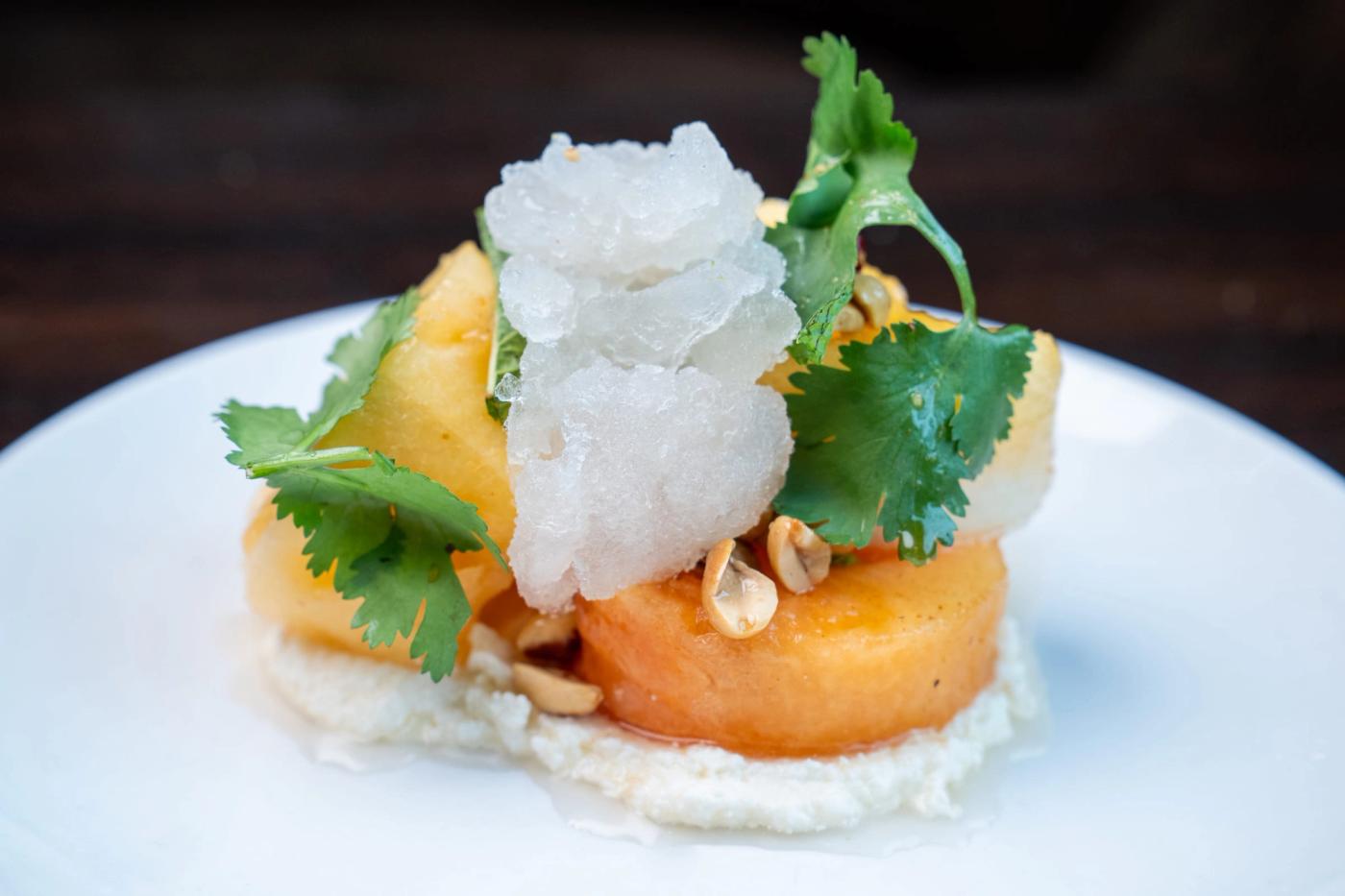
Can I shoot restaurant food photos on a phone?
Yes, you can shoot restaurant food photos on a recent phone, especially for delivery menus and everyday social posts, as long as the light is good and you shoot at full resolution. The phone is rarely the problem. The usual problems are dim overhead lighting, a lens smudged with kitchen grease, and shooting vertically when the channel wants a wide frame.
A few habits make a big difference:
- Wipe the lens before every session.
- Shoot near a window in daylight and turn off the overhead lights so colors stay natural.
- Hold the phone sideways for delivery shots and upright for Instagram, and take both versions of each dish.
- Turn off heavy filters and beauty modes. Guests notice when the plate that arrives does not match the picture.
- Keep the originals and edit copies, so you always have a clean file to crop for the next channel.
Where a phone falls short is consistency across a full menu, styled shots for ads, and interior photos in a dark dining room. That is when a photographer earns their keep, and it is the core of our restaurant photography service.
It is also worth knowing that DoorDash offers merchants a free professional menu photoshoot with up to 20 photos of menu items plus a header shot of your store, where the only cost is the food, according to DoorDash's Merchant Learning Center. DoorDash says you can use those photos on your website and social media but not on other third-party delivery platforms, so you would still need separate photos for Uber Eats and any other app you sell on.
How do I style food photography so it looks fresh on camera?
To style food photography so it looks fresh, plate each dish the moment it is ready, shoot it right away, and fix the small things a camera exaggerates. Fresh food photography is mostly about speed and restraint, not props.
- Shoot the fragile dishes first. Melted cheese sets, sauces skin over and greens wilt on a warm plate. Line up the shots so the most delicate plates reach the camera first.
- Wipe the plate rim. Drips and fingerprints on the rim look far worse in a photo than they do at the table.
- Bring back the shine. A light brush of oil helps grilled meat and roasted vegetables, and a mist of water helps salads and fruit look just cut. Go easy, because too much reads as greasy.
- Blot fried food. Fried items look best straight out of the fryer, set on a paper towel for a moment to lose the surface oil.
- Show the inside. Cut sandwiches, burritos and burgers so the camera can see the filling.
- Keep the background plain. Uber's guidelines already rule out messy settings and strong shadows for delivery photos, and a clean surface works for your menu too.
- Shoot what the kitchen actually serves. Same portion, same garnish, same plate. A restaurant food photo that oversells the portion tends to come back to you in reviews.
Drinks need their own timing, especially in a Houston summer. Stage the glass and the garnish first, then add ice and pour at the last moment so the drink looks cold instead of watered down.
Picture a taqueria in the Heights shooting its menu: tacos laid flat on a plain board for delivery, then the same tacos on a busy table with salsa, limes and a hand reaching in for Instagram. Same food, same afternoon, two jobs done.
A 90-day marketing plan for your restaurant
Fifteen pages covering what to post, what to spend, and what to track with a content calendar and ideas for you to post with.
Plan will be delivered via email with the PDF attached.
We only use your email to send the plan. Privacy policy
How often should a restaurant update its photos?
A restaurant should update its photos whenever the menu, the plating or the room changes, and add new ones to Google and Instagram regularly so the listing never looks abandoned. We could not find a published rule from Google or the delivery apps on how often to refresh, so tie updates to your own calendar.
Good times to reshoot:
- A new dish, or a change to a recipe or its plating. Shoot it before it goes on the menu.
- A seasonal or limited-time menu.
- A renovation, new signage or a new patio.
- Any dish photo that no longer matches the plate guests receive.
- Customer photos on your Google listing that crowd out your own.
Each new restaurant food photo you add also gives your social accounts something to post. If your menu rarely changes, reshooting it from a new angle is still worth doing, and we wrote about what to post when nothing new is on the menu.
While you are shooting, consider filming a few seconds of each dish too. DoorDash's Merchant Learning Center says merchants who add videos see a 3% average increase in sales.
What does this look like for a Houston restaurant?
Yoyo's Hotdog is the clearest example we can share. Yoyo's spent a decade as the place you lined up for after a night out. That reputation kept the lights on and stopped bringing new people in.
We rebuilt the brand, the content, and the loyalty program around a menu that never changed. According to our Yoyo's Hotdog case study, the results were 229% sales growth in year one and 38,000 loyalty members from zero.
Photos were one part of that work, not the whole story. A menu that never changes still needs fresh content to give people a reason to come back, and a good shot list is where that starts.
Want this shot list done for you?
If you would rather hand this list to someone else, book a demo shoot. We spend two hours filming at your restaurant, and three days later you get a reel, ten photos and a written plan, with the restaurant food photos cropped for the channels you use. You keep the content either way.